



























































To meet the modern requirements, mobile applications were discovered. This discovery quickly became a revolution and turned into a necessity for humans. Java is a part of this evolution and has been with us for decades for mobile app development.
Java is useful for developing Android applications. However, it has some gaps that are filled by its successor, Kotlin. These advantages have contributed to Kotlin’s rapid adoption, with Android developers increasingly favoring it over Java. As of 2024-25, Android developers choose Kotlin (with 70 to 75% market share) over Java (25 to 30% market share).
In this guide, you will explore the differences between Java and Kotlin, why migration is necessary, and how TechGropse’s Java to Kotlin migration services can help.
Let’s get started!
What is Java?
Launched in May 1995, Java is a general-purpose and object-oriented programming language. Earlier, it had the lion’s share as it was used by multiple Android developers. However, it still stands as the third most used programming language, with around 30% of developers using Java regularly. Since its inception, Java has expanded its functionality and usability through its various versions.
Also Read: Java App Development
| Java Version | Release Year |
| JDK 1.0 | 1996 |
| JDK 1.1 | 1997 |
| J2SE 1.2 | 1998 |
| J2SE 1.3 | 2000 |
| J2SE 1.4 | 2002 |
| J2SE 5.0 (1.5) | 2004 |
| Java SE 6 | 2006 |
| Java SE 7 | 2011 |
| Java SE 8 | 2014 |
| Java SE 9 | 2017 |
| Java SE 10 | 2018 |
| Java SE 11 | 2018 |
| Java SE 12 | 2019 |
| Java SE 13 | 2019 |
| Java SE 14 | 2020 |
| Java SE 15 | 2020 |
| Java SE 16 | 2021 |
| Java SE 17 | 2021 |
| Java SE 18 | 2022 |
| Java SE 19 | 2022 |
| Java SE 20 | 2023 |
| Java SE 21 | 2023 |
| Java SE 24 | 2025 |
Benefits
- Irrespective of longer code lines, Java is quite a simple and easy-to-understand programming language. The syntax of this language is quite straightforward to learn and understand.
- Being an object-oriented programming language, Java facilitate reusabilty of the code. With OOPs, we can easily reuse the objects in other programs.
- Other programming languages, like C/C++, use pointers to enable access to memory locations. This is a security risk that is addressed by Java through encapsulation, inheritance, and abstraction.
- The Java programming language is highly portable as it is platform-independent and runs on any hardware. It makes Java compatible with multiple devices.
Limitations
- Java is slower and consumes more memory compared to the alternatives available in the market.
- Java’s frameworks, like Swing, SWT, JavaFX, JSF, etc., are not well developed to generate complex UIs.
- No backup facility for the stored user data as it focus preliminary on data storage and not on backup.
- Java is quite verbose and comes with complex syntax. It is hard for developers to remember those complex syntaxes.
What is Kotlin?
Released in 2016, Kotlin is a modern programming language. It has gained popularity for its compatibility with Java. It is primarily used to build modern mobile apps, web apps, server-side apps, etc. It offers a concise and expressive syntax that reduces boilerplate code, making development faster and more efficient.
Benefits
- Kotlin doesn’t leave any scope to make errors, considering its lightweight codebase. Its compiler can detect errors, making it a safe Java alternative.
- It has an intuitive syntax and makes it possible to do more work as it takes less time and fewer lines of code to write and deploy code.
- Kotlin makes it possible to use it along with Java at the same time to write code for the same product.
Limitations
- The Kotlin programming language has a slower compilation time compared to Java, especially while working on large projects.
- Not easy to learn for beginners who find its advanced features a little complex.
- Kotlin apps may have a slightly larger APK size due to additional runtime libraries.
- Although fully interoperable with Java, certain features (like null-safety and checked exceptions) can cause minor compatibility challenges.
Java vs Kotlin: A Comparison Table
| Feature | Java | Kotlin |
|---|---|---|
| Year Introduced | 1996 | 2011 |
| Official Android Support | Primary language before 2019 | Preferred Android language since 2019 |
| Syntax | Verbose and boilerplate-heavy | Concise and expressive |
| Null Safety | Prone to NullPointerException | Built-in null safety |
| Code Length | Requires more lines of code | Reduces boilerplate by ~30-40% |
| Learning Curve | Easier for beginners | Slightly steeper for beginners |
| Performance | Stable and reliable | Comparable performance (runs on JVM) |
| Coroutines / Async | Requires complex threading | Built-in coroutines for async programming |
| Extension Functions | Not supported | Supported |
| Interoperability | Native language | 100% interoperable with Java |
| Community & Ecosystem | Mature, large ecosystem | Rapidly growing ecosystem |
| Use in Legacy Systems | Widely used | Less common in legacy systems |
| Enterprise Adoption | Strong enterprise presence | Growing enterprise adoption |

Differences Between Kotlin and Java, Explained
Code Less With Kotlin
Coding with Kotlin is generally easier compared to Java.
You need to write 30 to 40% less code while writing in Kotlin. It simply means faster development and less scope for bugs.
Let’s understand the difference in code length with an example of Java (image 1.1) and Kotlin (image 1.2).
| package com.example.helloworld;
import android.os.Bundle; import android.widget.TextView; import androidx.appcompat.app.AppCompatActivity; public class MainActivity extends AppCompatActivity { @Override protected void onCreate(Bundle savedInstanceState) { super.onCreate(savedInstanceState); TextView textView = new TextView(this); textView.setText(“Hello, World!”); setContentView(textView); } } |
Image 1.1
| package com.example.helloworld
import android.os.Bundle import android.widget.TextView import androidx.appcompat.app.AppCompatActivity class MainActivity : AppCompatActivity() { override fun onCreate(savedInstanceState: Bundle?) { super.onCreate(savedInstanceState) setContentView(TextView(this).apply { text = “Hello, World!” }) } } |
Image 1.2
Here, it is clear that Java requires multiple lines for classes, imports, and object creation. On the other hand, Kotlin is 30 to 40% shorter and simpler. And the Kotlin version is much more readable than Java.
Preventing Null Errors
Kotlin has some performance benefits over Java, as it has some features that Java doesn’t like Null Safety. It can enhance the overall performance of an application.
Null safety is a key distinction between Kotlin and Java. In Java, variables can hold null values by default, which often leads to NullPointerExceptions at runtime. Kotlin, however, forces developers to explicitly declare whether a variable can be null, significantly reducing the risk of such runtime errors.
Let’s understand the difference in code length with an example of Java (image 2.1) and Kotlin (image 2.2).
| public class Main {
public static void main(String[] args) { String name = null; // null is allowed System.out.println(name.length()); // Throws NullPointerException at runtime! } } |
Image 2.1
| fun main() {
var name: String? = null // Must explicitly allow null with ‘?’ println(name?.length) // Safe call; prints ‘null’ instead of crashing } |
Image 2.2
As you can see, with Java, you can get a runtime error (NullPointerException). Whereas, in Kotlin, a variable can’t be null by default.
Functional Programming
One of the big differences between Kotlin and Java is functional programming. Java introduced Java8 for it, after which it supported functional programming. On the other hand, Kotlin supported it from day 1, making it an ideal choice for developing an application.
Functional Programming Example (after Java8)
| import java.util.Arrays;
import java.util.List; public class Main { public static void main(String[] args) { List<String> names = Arrays.asList(“Alice”, “Bob”, “Charlie”); // Using streams (Java 8+) to filter and print names starting with ‘A’ names.stream() .filter(name -> name.startsWith(“A”)) .forEach(System.out::println); } } |
Functional Programming Example (Kotlin)
| fun main() {
val names = listOf(“Alice”, “Bob”, “Charlie”) // Filter and print names starting with ‘A’ using functional style names.filter { it.startsWith(“A”) } .forEach { println(it) } } |
Why Modernize Your App From Java to Kotlin in 2026?
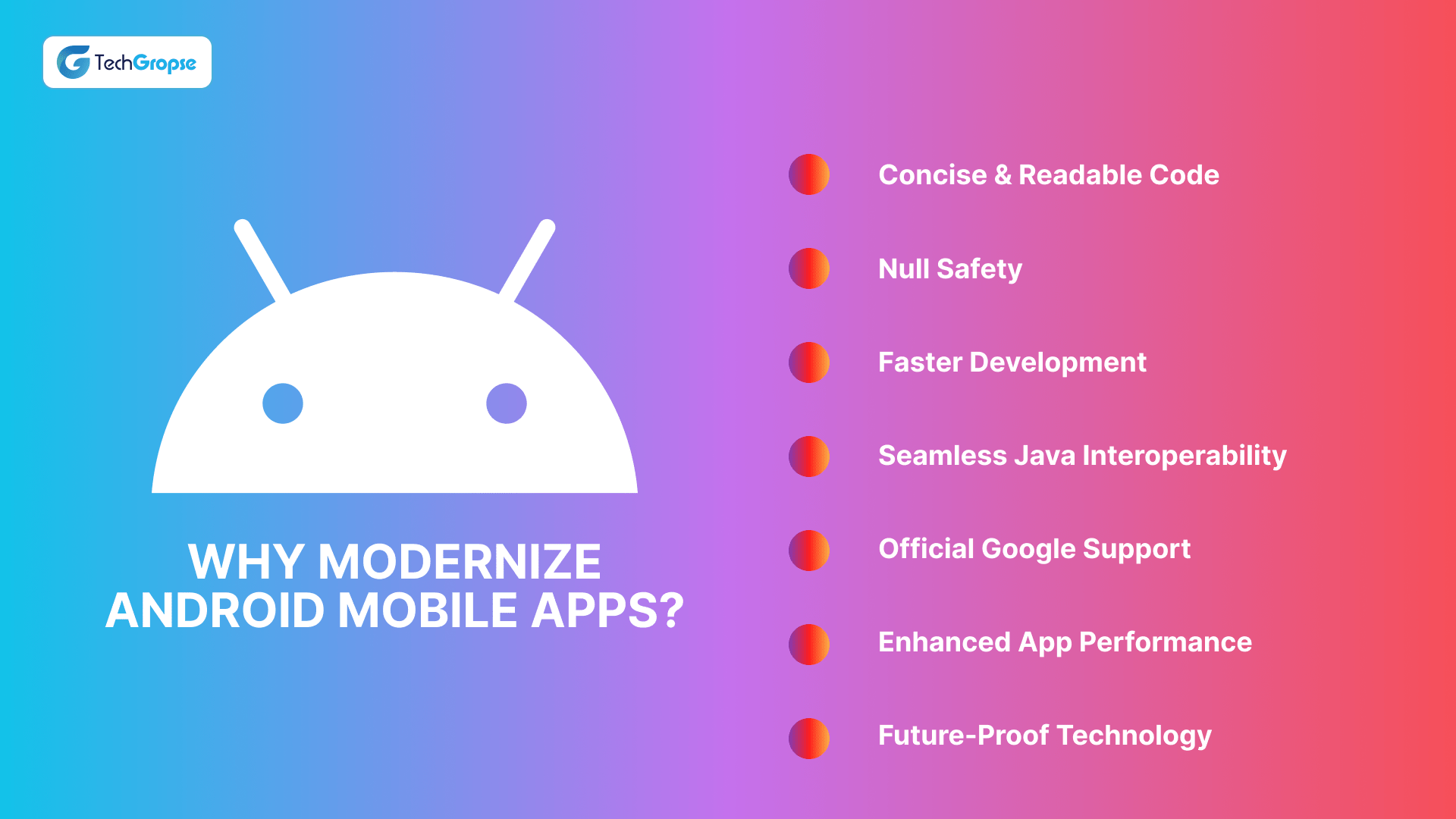
Modernizing an Android app from Java to Kotlin in 2026 is a strategic move as it provides businesses with efficiency and long-term stability. Kotlin has a concise syntax, null-safety features, and native support for functional programming to accelerate development and reduce cost to improve ROI. However, CTOs still want to know the benefits of migrating from Java to Kotlin for business
- Kotlin codes are easier to understand as they are cleaner, which makes it easier to update later.
- Kotlin is simple and makes code easier to maintain. Its code length is about 20 to 30% less compared to Java.
- Kotlin supports faster development by boosting the app developer productivity. More than 60% of developers prefer Kotlin over Java.
- Kotlin prevents null-pointer exceptions, which is a bug that results in app crashes.
How to Migrate From Java to Kotlin?
Migrating from Java to Kotlin is quite a straightforward process considering its excellent interoperability and built-in IDE tooling. It facilitates file-by-file conversion to integrate Kotlin into your existing Java code without disruption.
Sounds too much?
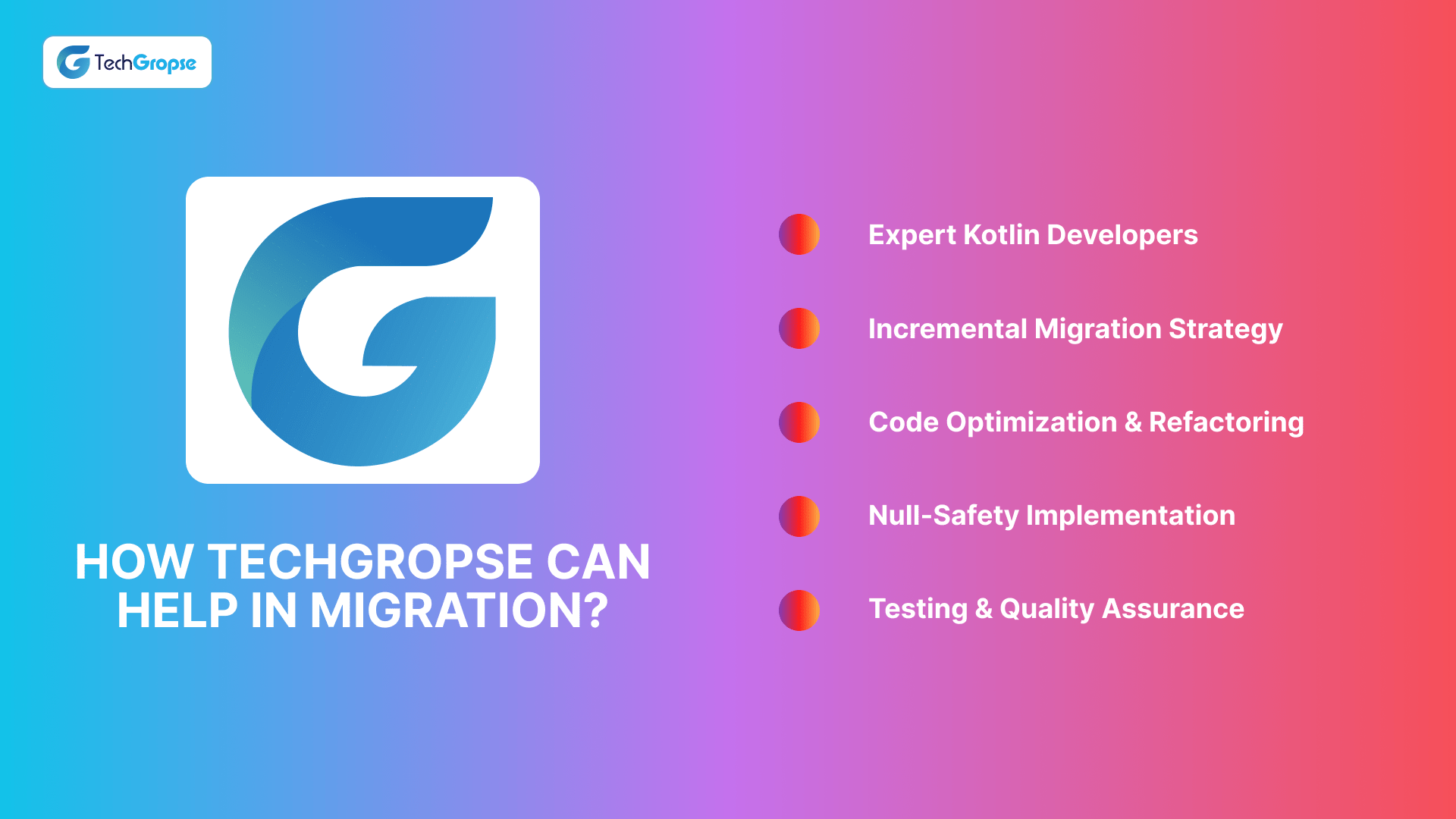
Don’t worry, TechGropse, a leading Android app modernization company, provides Java to Kotlin migration services. These services are available at an affordable price so that businesses of all sizes can avail it.
Moreover, TechGropse enables businesses to hire Kotlin app developers for the modernization of legacy Android apps.
Conclusion
Both Kotlin and Java are incredible programming languages that are somewhat similar to each other (with a few differences). While Java has been here for a longer period of time, Kotlin has replaced it as its modern successor. It is an improved version of it that has addressed the gaps caused by Java.
Business owners and CTOs with apps in Java want to modernize their Android apps with Java; they can use TechGropse’s Java to Kotlin migration services for it. TechGropse has the capability of modernizing the architecture of the existing app and making it viable to stay competitive in this digital world.
Frequently Asked Questions
Kotlin is a modern, statically-typed programming language that may be used officially in developing Android programs. In contrast to Java, it has brevity, built-in null safety, functional programming, and Java interoperability characteristics. All these make Android application development faster, safer, and more efficient, as they decrease the boilerplate code and avert frequent errors in run time.
The migration to Kotlin makes your Android applications modern, enhances the readability of the code, decreases the maintenance costs, and minimizes the risks of getting a runtime error. Its terse syntax and the null safety developed in Google make it faster to write, and the official support guarantees that there will be no changes in the future. Kotlin is also an ideal way to recruit talented developers, as well as future-proof your apps against changes in Android standards.
Kotlin itself is a Java Virtual Machine (JVM) code, and thus, raw performance is similar to Java. Its contemporary provisions, such as smaller code, asynchronous task processing, and better null handling, can, however, indirectly provide better performance, fewer crashes, and more efficient use of resources, which leads to a more user-friendly experience and more serviceable, efficient code.
Yes, Kotlin can be smoothly migrated because it is entirely compatible with Java. You are able to deploy modules of your codebase at a time and not shut down. This strategy will make sure the app is still functional during the migration process, and installs less risk of installation, and will enable teams to test, validate, and optimize the migrated parts in phases.
Migration history will be dependent on the size of the application, its complexities, and the knowledge level of the staff. Minor applications might require several weeks, whereas big company applications might need many months. With incremental migration techniques, conversion utilities, and test infrastructures, it can greatly minimize the downtime and have a smooth and controlled transition.
Yes, you can migrate incrementally using IDE tools, but some manual refactoring is usually required for idiomatic Kotlin and complex Java code.
IntelliJ IDEA and Android Studio offer a Java-to-Kotlin converter; also, a J2K plugin, and online converters for quick automatic translation.
Kotlin and Java have similar runtime performance on the JVM; differences are negligible, though Kotlin offers safer, more expressive concurrency features.

Hello All, Aman Mishra has years of experience in the IT industry. His passion for helping people in all aspects of mobile app development. Therefore, He write several blogs that help the readers to get the appropriate information about mobile app development trends, technology, and many other aspects.In addition to providing mobile app development services in USA, he also provides maintenance & support services for businesses of all sizes. He tried to solve all their readers' queries and ensure that the given information would be helpful for them.



 info@techgropse.com