



























































Build AI Agents With N8N: Ever walked into your office on Monday morning, dreading the pile of repetitive tasks waiting for you? You know the drill – sorting through customer emails, updating spreadsheets, scheduling meetings, following up on leads. What if I told you there’s a way to have digital assistants handle most of this work while you sleep? This isn’t some distant future fantasy.
Companies worldwide are already using AI agent automation to eliminate routine tasks. 92% of executives anticipate implementing AI-enabled automation in workflows by 2025, and the workflow automation market is experiencing unprecedented growth. The real question isn’t whether you should automate – it’s how fast you can get started.
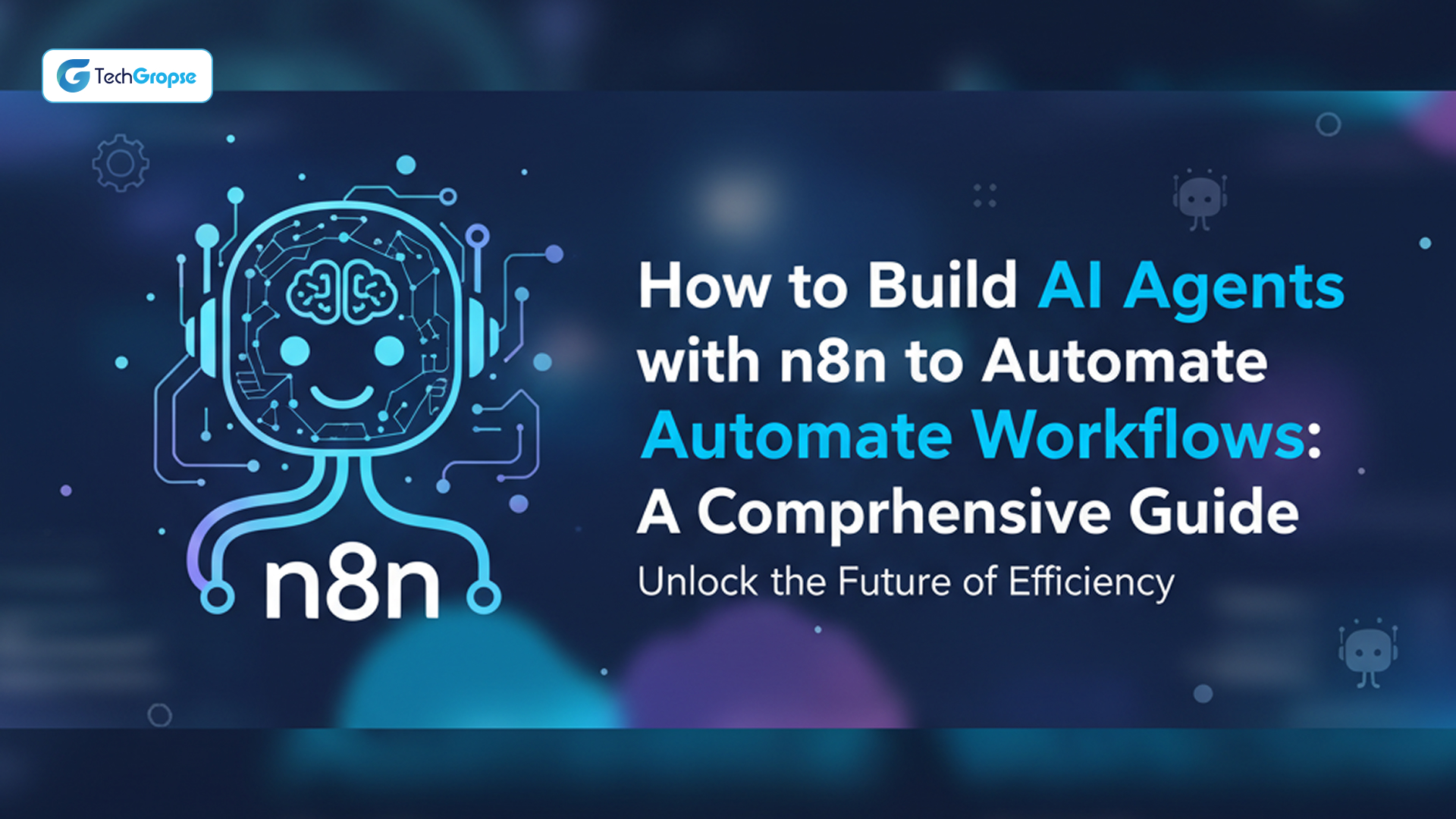
If you’ve ever felt like you’re spending more time on mundane, repetitive tasks than on the creative, strategic work that actually moves your business forward, you’re not alone. n8n is leading the charge in making intelligent automation accessible to everyone, and this comprehensive guide will show you exactly how to get started.
What Are AI Agents Exactly?
Think about traditional automation tools. They’re like trains following fixed tracks – efficient but rigid. AI agents are different. They’re more like experienced drivers who can navigate new routes, make decisions based on current conditions, and adapt when unexpected situations arise.
Traditional workflow automation follows simple “if this, then that” logic. AI agents can think, reason, and make contextual decisions and automate business workflows. They don’t just follow predetermined steps they work toward goals and figure out the best path to achieve them.
What is n8n?
N8n is a visual workflow automation platform built on “Think it. Build it. Extend it.” – simple enough to ship solutions in hours, sophisticated enough to scale with enterprise needs. With 200,000+ active users and 3,000 enterprise customers, the platform’s visual editor enables fast iteration with instant results using native nodes or custom JavaScript/Python code for both everyday automations and complex AI agent workflows.
What makes the n8n workflow automation tool unique is its 400+ pre-configured integrations, flexible deployment options (cloud, self-hosted, Docker/Kubernetes, air-gapped), and native AI capabilities built on LangChain for chatting, document summarization, and complex queries. With SOC 2 auditing, secrets management integration, and architecture handling 220 workflow executions per second, N8n offers complete deployment flexibility without vendor lock-in.
Getting Your N8n Environment Ready
Deployment Options
N8n offers three deployment paths:
N8n Cloud provides immediate access with automatic updates and enterprise security. Perfect for small to medium businesses wanting to focus on workflows rather than infrastructure management.
Self-hosted N8n gives complete control over data and infrastructure. Appeals to enterprises with strict data governance requirements or deep on-premises system integration needs.
N8n Desktop offers local installation ideal for development, testing, and personal use with full functionality without cloud connectivity requirements.
Setup Essentials
Start with account creation and initial configuration. The cloud version provides straightforward onboarding with guided tutorials covering interface basics and core concepts.
Understanding the interface components helps: Nodes perform specific actions, Connections define data flow between nodes, Triggers start workflows, and Credentials securely store API keys and authentication data.
Begin by connecting your most frequently used applications. N8n’s integration library likely covers your CRM, email platform, project management tools, and databases.
How to Create AI Agents in N8n
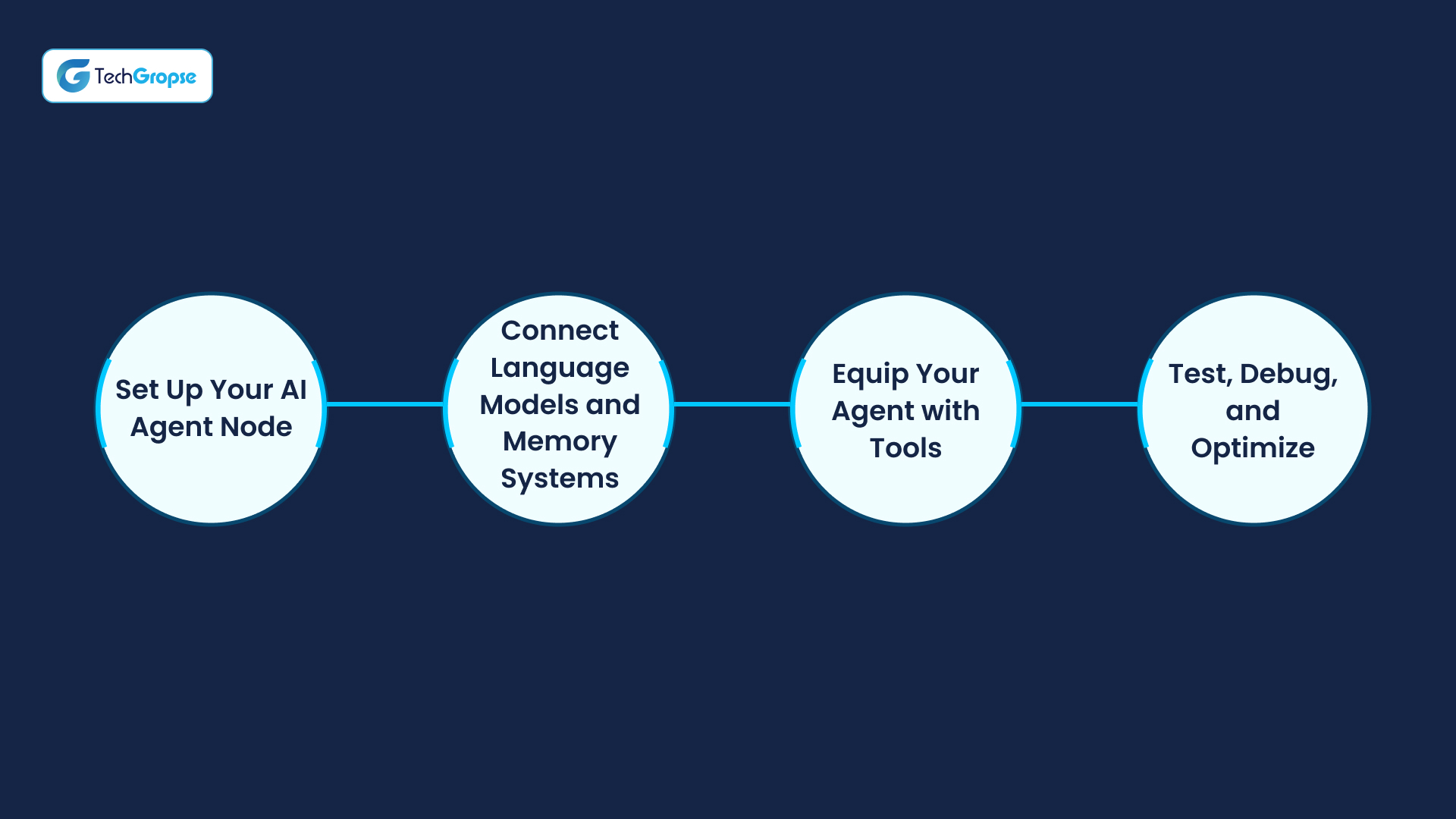
Build agents in no time by connecting modular nodes in n8n’s visual builder. Use conditional logic or insert custom code for extra control where it counts. Build a functional prototype in 4 simple steps.
Step 1: Set Up Your AI Agent Node
Start with the foundation of your AI agent automation. This primary node receives inputs from triggers like chat messages or webhooks. Configure your agent’s personality and behavior through system prompts, adjust settings with built-in presets or custom JavaScript, and implement authentication to secure access.
Step 2: Connect Language Models and Memory Systems
Choose your preferred language model to power your agent’s understanding and response generation. Add memory components so your agent remembers conversations, maintains context across sessions, and builds knowledge from previous interactions.
Step 3: Equip Your Agent with Tools
Transform your agent from a simple chatbot into a capable assistant by connecting it to real-world systems. Link to applications, databases, MCP servers, and vector stores through ready-made integrations or custom HTTP connections. This step unlocks your agent’s true potential.
Step 4: Test, Debug, and Optimize
Enhance reliability by adding structured logic alongside AI flexibility. Use built-in debugging tools and execution logs to track performance. Leverage AI evaluation features to compare models and measure improvements from prompt adjustments.
Advanced Strategies for AI Agents
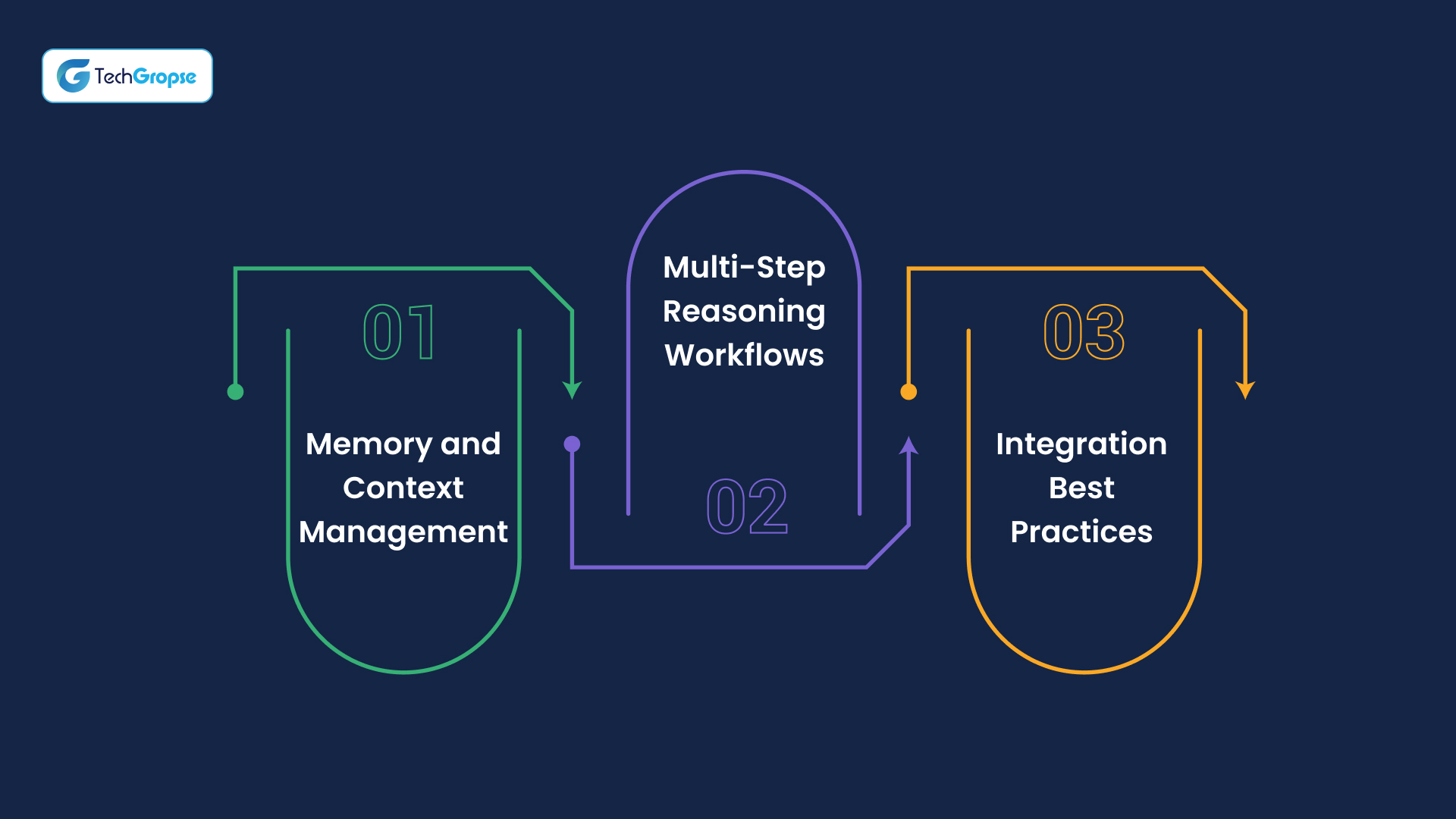
Memory and Context Management
Effective AI agents depend on smart memory management. N8n provides several approaches:
Session memory tracks current conversations or workflow executions. Perfect for multi-step processes where the agent needs earlier step information.
Persistent memory stores information across multiple interactions. A customer service agent might remember previous customer issues, creating more personalized support.
Shared memory allows multiple agents to access common information and coordinate actions effectively.
Multi-Step Reasoning Workflows
Advanced agents excel at complex, multi-step reasoning. Build agents that analyze multiple data sources, identify patterns, and make recommendations. A marketing performance agent might analyze campaign data, customer behavior, and market conditions to suggest optimization strategies.
Handle exception cases with robust error handling. Real-world scenarios rarely follow perfect paths, so agents need graceful management of unexpected situations.
Coordinate multiple systems through agents that orchestrate complex business processes spanning multiple systems and departments.
Integration Best Practices
Design agents with APIs in mind for flexibility and easier integration with evolving business systems.
Break complex automation into smaller, specialized agents that combine and recombine as needed. This microservice approach offers better maintainability and scalability.
Implement comprehensive error handling and monitoring. Agents should handle failures gracefully and provide clear feedback about problems and causes.
Common AI Agent Use Cases
N8n is where traditional workflow automation meets AI. Build production-ready AI agents with the flexibility to scale from simple automations to complex multi-agent systems — without getting locked into a specific framework. Here are some use cases of business process automation with AI agents:
Multi-Agent Systems: For tasks that need a team
Coordinate multiple specialized agents (e.g., research, writing, QA) to complete complex workflows.
Think of content creation for a marketing campaign. Instead of one agent trying to handle everything, you deploy a team: a research agent gathers market data and competitor analysis, a writing agent creates the content based on research findings, and a QA agent reviews for accuracy, brand consistency, and optimization opportunities. Each agent specializes in what it does best, working together seamlessly.
Another powerful example is customer onboarding. Deploy a verification agent to validate customer information, a setup agent to configure accounts and services, a communication agent to send welcome emails and schedule calls, and a monitoring agent to track progress and flag issues. The entire onboarding process runs automatically while maintaining personalization.
Deep Research Agents: For mining large amounts of data
Perform multi-step research with API access and memory to surface clear, structured takeaways.
Market research becomes effortless when your agent can analyze industry reports, scrape competitor websites, monitor social media sentiment, and compile comprehensive market analysis. The agent remembers previous research sessions, building knowledge over time and identifying trends that might be missed in one-off analysis.
Legal research agents can scan case law databases, regulatory documents, and legal precedents to build comprehensive briefs. They maintain context across multiple research sessions and can cross-reference findings from different sources to provide a thorough analysis.
Investment research agents monitor financial data, news feeds, analyst reports, and market indicators to generate investment recommendations. They track performance over time and adjust research parameters based on market conditions.
RAG Agents: For when accuracy absolutely matters
Retrieve real-time info from docs, wikis, or internal data to generate up-to-date, verified content.
Customer support becomes incredibly powerful when agents can access your complete knowledge base, product documentation, and customer history in real-time. Instead of generic responses, customers receive accurate, specific answers based on current product information and their individual account details.
Technical documentation agents keep your docs current by pulling information from code repositories, API specifications, and internal systems. When product features change, the agent automatically updates relevant documentation and flags outdated information.
Compliance agents ensure your communications and processes stay current with regulations. They access the latest regulatory databases, internal compliance documents, and industry guidelines to provide accurate, up-to-date compliance information.
Planning Agents: For tasks too large to tackle straight on
Break down processes into smaller steps. Decide what happens next – and which agent should execute.
Project management turns autonomous when planning agents decompose intricate projects into manageable tasks, allocate them to the right team members or sub-agents, and track progress. They adapt timelines according to actual progress and available resources.
Event planning agents are responsible for everything from venue scouting and reservation to vendor management and attendee handling. They dissect the enormous project of event planning into sequential steps, communicate with several service providers, and make adjustments based on evolving needs.
Product launch coordinators manage the intricate process of introducing new products to market. They synchronize marketing campaigns, sales training, inventory control, and customer communication between various departments and deadlines.
Common Pitfalls and How to Avoid Them
Learn from others’ mistakes to build better AI agents faster.
Starting Too Complex
Many businesses jump straight into building multi-agent systems when they should start with simple, single-purpose agents. Begin with one clear use case like email sorting or data entry. Master that before moving to complex workflows.
Ignoring Error Handling
Your agent will encounter unexpected situations. Plan for failures from the start. What happens when an API is down? When data doesn’t match expected formats? Build fallback paths and notification systems.
Over-Engineering Memory Systems
Don’t store everything your agent encounters. Be selective about what information actually needs persistence. Too much memory can slow performance and create privacy concerns.
Skipping the Human Review Step
Even the smartest AI agent needs human oversight for critical decisions. Build in approval workflows for important actions like financial transactions or customer communications.
Cost Planning and ROI Framework
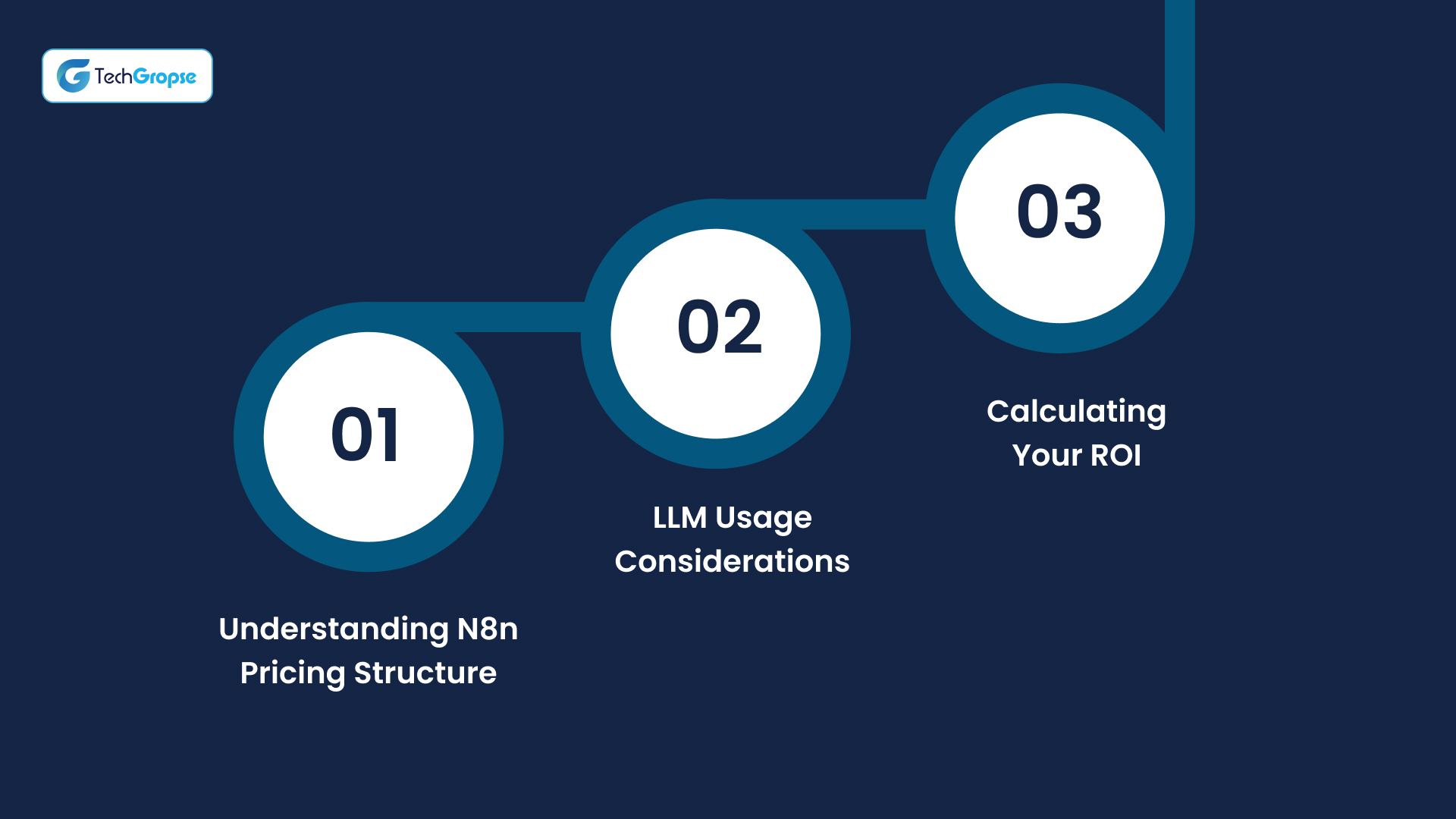
Understanding the financial aspects of AI agent implementation for better business decisions.
Understanding N8n Pricing Structure
The free community version works well for personal projects and small teams exploring automation possibilities. N8n Cloud plans start around 20 Euro monthly for professional use with additional features and support. Self-hosted options eliminate ongoing usage fees but require infrastructure investment and maintenance costs.
LLM Usage Considerations
Budget carefully for API calls to language models. OpenAI charges per token processed, which can accumulate quickly with conversational agents handling multiple interactions. Consider local model deployment for high-volume, repetitive tasks where cost predictability matters more than cutting-edge capabilities.
Calculating Your ROI
Track time saved per week from automated processes, multiply by relevant hourly wages, and factor in error reduction benefits. Most businesses achieve positive ROI within 3-6 months when automating tasks currently requiring more than 2 hours weekly. Include setup time, training costs, and ongoing maintenance in your calculations for realistic projections.
How USA Mobile App Development Companies Can Accelerate Your AI Agent Journey?
Though N8n’s graphical user interface provides ease of creating AI agents, companies require specialized knowledge for production-ready solutions that are smooth integrations with their current systems. US-based mobile app development firms provide distinct advantages, blending technical expertise with familiarity about American business usage and compliance norms.
These partners connect N8n’s strengths with your unique requirements, providing mobile-first knowledge, API integration competencies, and scalable architecture know-how necessary for developing resilient AI agent workflows in every business channel.
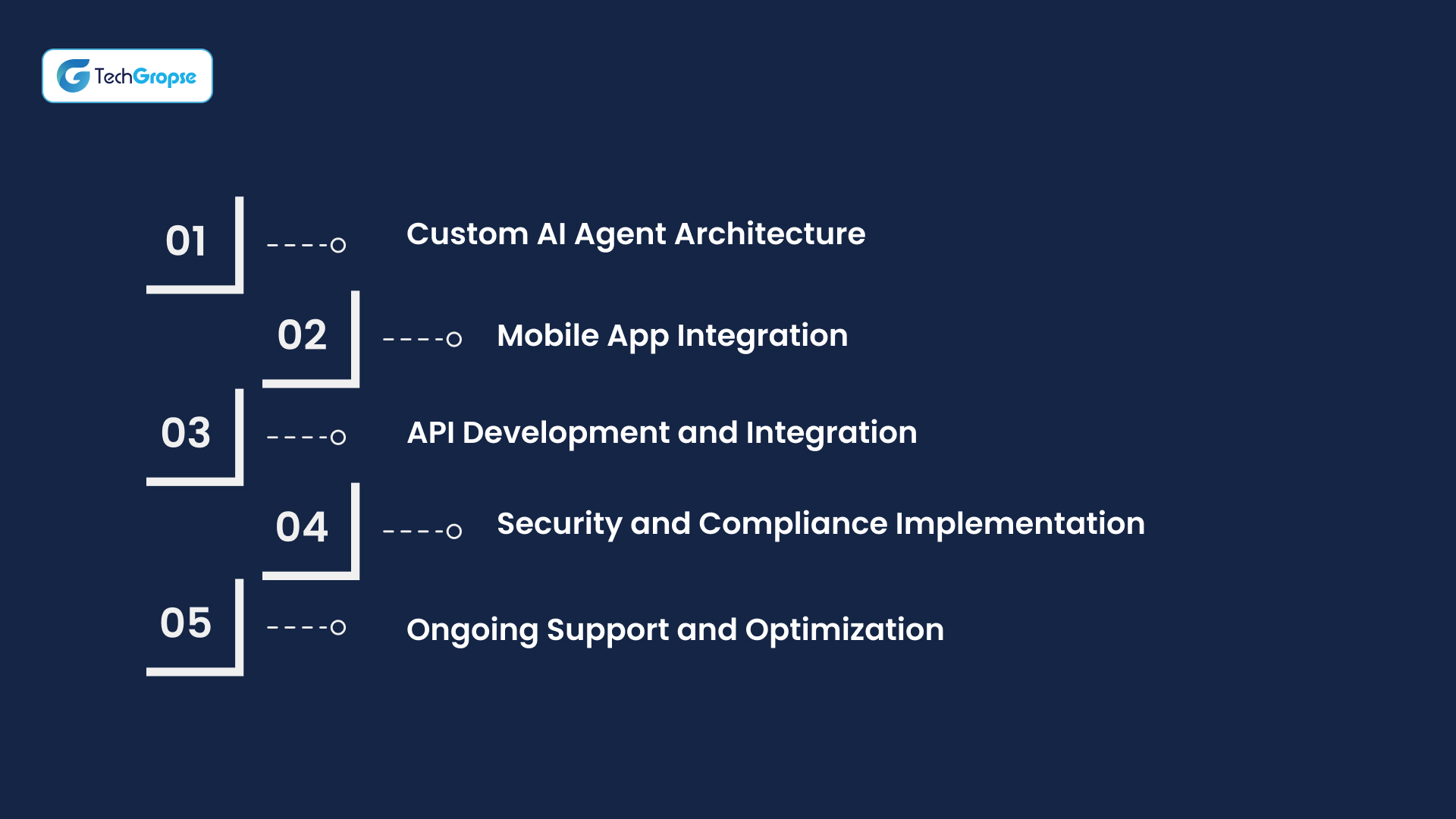
Key services development companies provide:
Custom AI Agent Architecture
Expert teams create agent systems specifically designed for your business processes, maximizing performance and scalability from the start. They translate your current workflows into N8n’s capabilities, finding the optimal combination of triggers, memory systems, and tool integrations.
Mobile App Integration
With proficiency in iOS and Android development, these firms leverage AI to integrate AI agents into mobile apps, enabling customers and workers to interact with smart automation through native mobile experiences.
API Development and Integration
In addition to N8n’s 400+ native integrations, development teams make custom API connections to proprietary systems, legacy software, and specialized industry tools that your agents must be able to access.
Security and Compliance Implementation
US-based businesses realize compliance needs such as HIPAA, GDPR, and industry-specific compliance requirements, enforcing correct security controls, data handling practices, and audit trails in their AI agent processes.
Ongoing Support and Optimization
Expert teams offer ongoing monitoring, performance optimization, and feature enhancement as your AI agent’s needs change, making your automation investment continue to deliver long-term value.
Your Path Forward
Whether you’re beginning to explore workflow automation or looking to enhance existing processes with AI capabilities, N8n provides the tools, flexibility, and power to build intelligent automation systems your business needs.
The question isn’t whether AI agents will transform your industry – they already are. The question is whether you’ll lead that transformation or follow competitors who embraced these capabilities sooner.
Your intelligent automation journey starts with a single workflow, a single process you can improve with AI. From there, possibilities are limitless.
Start small, think big, and let n8n’s AI agents handle routine work while you focus on revolutionary opportunities.
FAQ
Regular automation follows fixed “if-this-then-that” rules. AI agents make contextual decisions, understand natural language, and adapt responses based on situations. They can analyze emails, determine urgency, extract information, and decide actions without predefined rules for every scenario.
No coding required to start. N8n’s visual drag-and-drop interface handles basic agent creation using pre-built nodes and integrations. Basic JavaScript knowledge helps for advanced customizations and complex logic, but you can build functional agents using only the visual editor.
N8n community version is free. Cloud plans start at $20/month. Main cost is AI model usage – OpenAI charges $0.01-0.06 per 1,000 tokens. Typical business usage ranges $10-100/month depending on conversation volume and model complexity chosen.
Yes, n8n offers 400+ pre-built integrations including Salesforce, Slack, Google Workspace, Microsoft Office, and major CRMs. For unsupported software, use HTTP request nodes to connect via APIs. Most modern business applications have API access that n8n can utilize.
Simple agents (customer support, lead qualification) take 2-4 hours to build and test. Complex multi-agent systems require 1-2 weeks. Most businesses deploy their first functional AI agent within one week, including development, testing, and approval processes.

Hello All, Aman Mishra has years of experience in the IT industry. His passion for helping people in all aspects of mobile app development. Therefore, He write several blogs that help the readers to get the appropriate information about mobile app development trends, technology, and many other aspects.In addition to providing mobile app development services in USA, he also provides maintenance & support services for businesses of all sizes. He tried to solve all their readers' queries and ensure that the given information would be helpful for them.
 info@techgropse.com